The most dangerous moment in your kitchen isn't a busy Friday night rush; it's the silence when an inspector asks for a temperature log that hasn't been signed in three days. With the new Luxembourg food safety law enacted in April 2026, the margin for error has effectively disappeared. You likely already know that digital tools are the future, but simply installing the software isn't enough. Learning how to improve SafeBite usage within your daily routine is the difference between a stressful inspection and a confident, audit-ready kitchen.
We understand that managing inconsistent standards across multiple locations and chasing staff for manual checks feels like a losing battle. You want a friction-free workflow where compliance happens in the background without constant supervision. This guide will show you how to maximize your digital HACCP checklists and temperature monitoring systems to eliminate paper waste and empower your staff. We'll explore how to move from reactive fixes to a proactive culture of peak efficiency that keeps your food safe and your auditors satisfied.
Key Takeaways
- Align digital checklists with your physical kitchen layout to eliminate redundant steps and streamline daily routines.
- Discover how to improve SafeBite efficiency by integrating wireless IoT sensors for hands-free temperature monitoring and automated allergen updates.
- Empower your team and increase engagement by positioning digital tools as a protective asset rather than a monitoring burden.
- Stay permanently audit-ready with the ability to generate comprehensive compliance reports in under 60 seconds.
- Standardize food safety protocols across multiple locations instantly using a centralized management dashboard for total operational consistency.
Refining Your SafeBite Setup for Seamless Daily Compliance
Transitioning from traditional paper logs to a digital platform is a significant step toward efficiency, but the setup phase determines your long-term success. Many kitchen managers make the mistake of simply copying their paper forms into a digital format. This approach misses the opportunity to eliminate redundant steps. To understand how to improve SafeBite utility, you must first identify the core HACCP logs that currently consume the most staff time. By digitizing these tasks through a systematic preventive approach to food safety, you create a foundation for a friction-free environment.
Mapping Your Kitchen Workflow
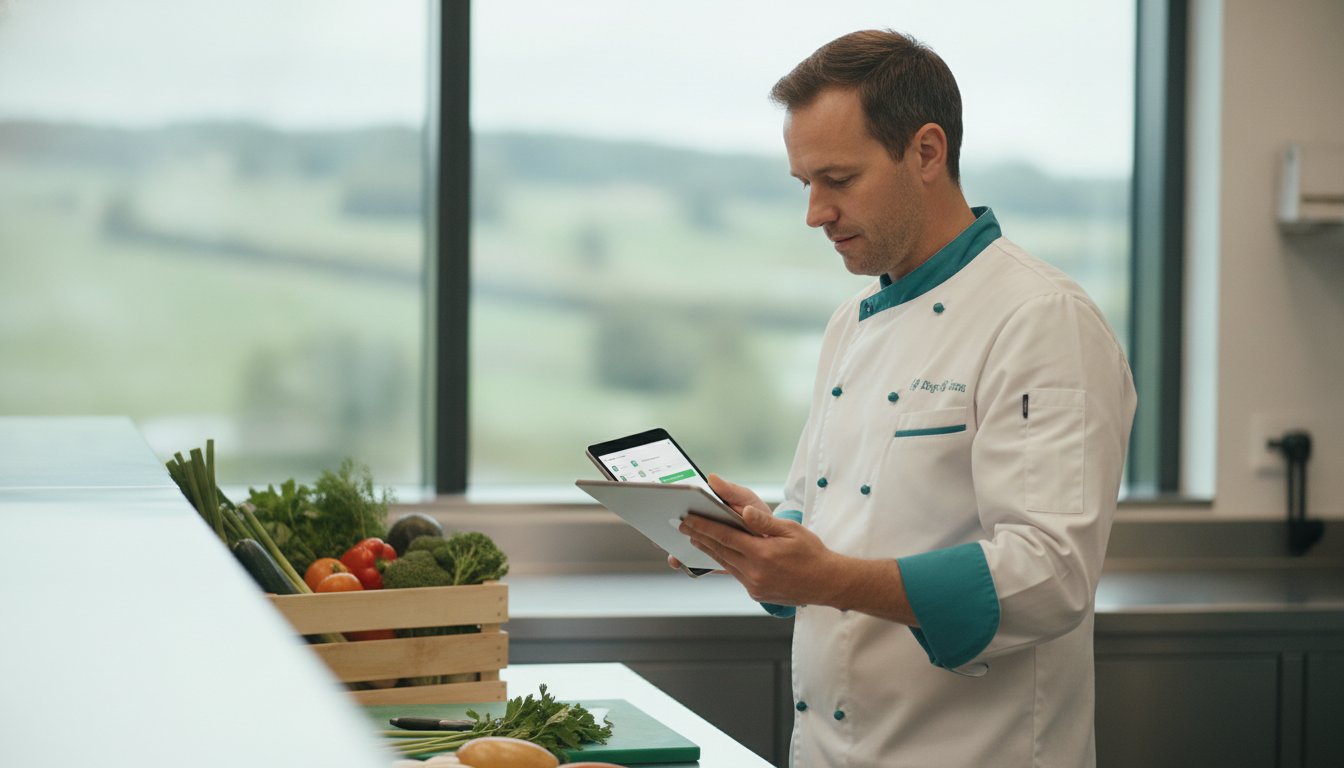
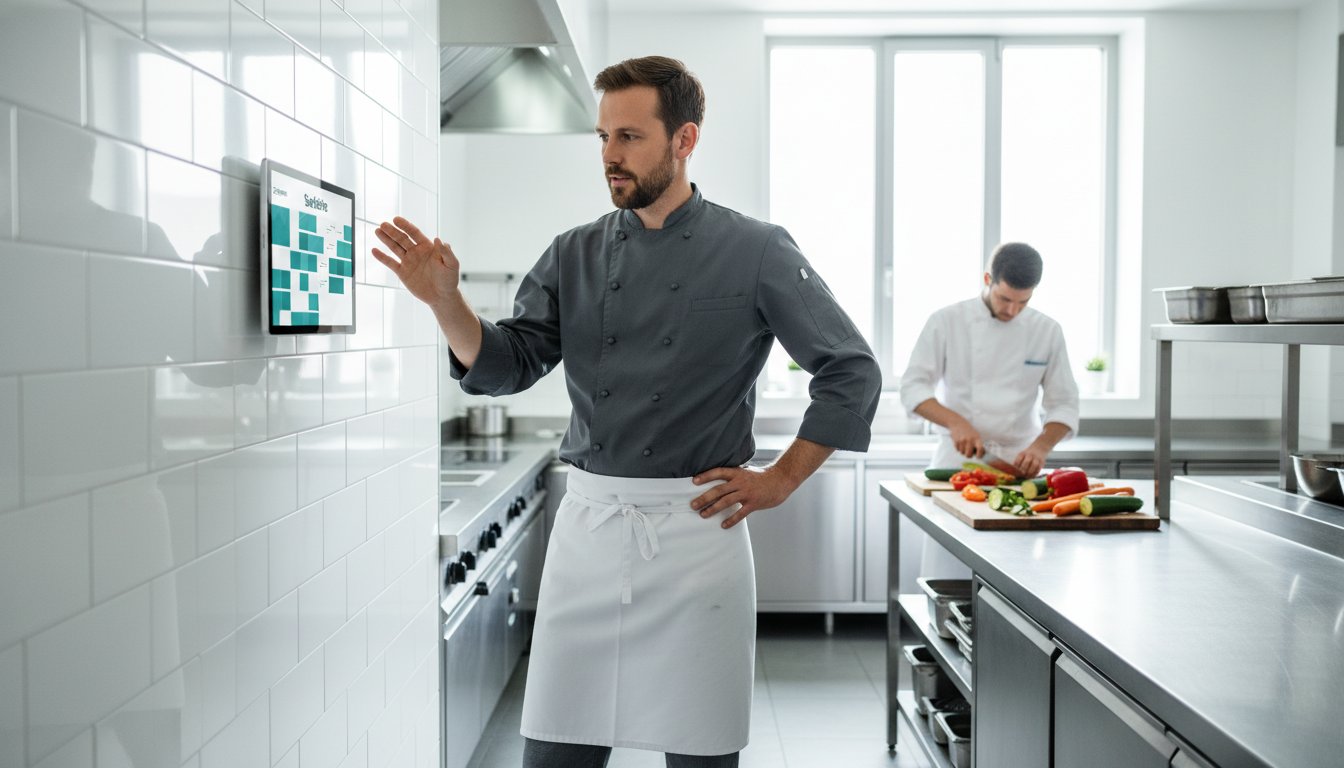
A digital system should complement your physical environment, not complicate it. Conduct a thorough walk-through of your kitchen to identify strategic checkpoints where tablets or mobile devices will be used. If a chef has to walk across the kitchen to log a temperature, the system is slowing them down. Instead, group tasks by station, such as prep, line, or cold storage, to reduce staff movement. Assigning specific roles within the app clarifies accountability and prevents confusion during busy shifts. When your digital checklists mirror your actual kitchen layout, compliance becomes a natural part of the workflow rather than an interruption.
Configuring Proactive Alerts
Manual reminders are often forgotten in the heat of service. SafeBite allows you to replace verbal shouting with automated notifications that keep the team on track. Setting up smart reminders ensures no critical check is missed, especially during peak hours when the risk of error is highest. It's essential to define threshold limits for temperature-sensitive zones and establish clear escalation protocols. For instance, if a cooling unit exceeds a safe limit, the system should notify the on-duty manager immediately. This proactive vigilance is a cornerstone of staying aligned with Luxembourg food safety regulations. By configuring these alerts correctly, you move from a reactive state of fixing problems to a proactive state of preventing risks. Learning how to improve SafeBite configurations in this way ensures your kitchen remains audit-ready at all times.
5 Ways to Automate Your HACCP Workflow for Maximum Efficiency
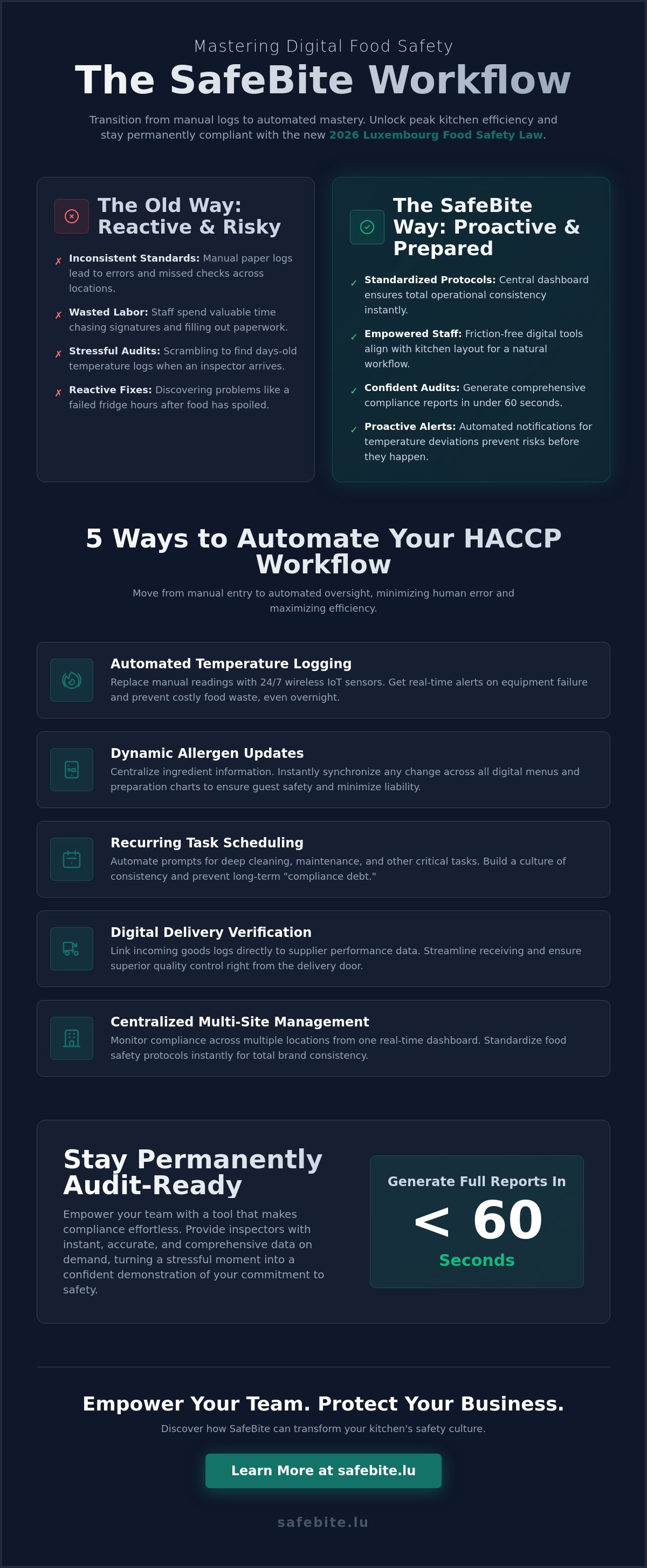
Efficiency in a professional kitchen is often measured by the absence of friction. Once you've established your digital foundation, the next phase in understanding how to improve SafeBite performance involves shifting from manual entry to automated oversight. Automation doesn't just save time; it creates a fail-safe environment where human error is minimized. By integrating these automated workflows, you ensure your operation remains compliant with the HACCP Principles & Application Guidelines without placing an extra burden on your culinary team.
- Automated Temperature Logging: Replace manual thermometer readings with persistent, wireless sensor monitoring.
- Dynamic Allergen Updates: Synchronize ingredient changes across all digital menus and charts instantly.
- Recurring Task Scheduling: Automate deep-cleaning prompts to ensure long-term hygiene standards never slip into "compliance debt."
- Digital Delivery Verification: Link incoming goods logs to supplier performance metrics for better quality control.
- Management Syncing: Use a real-time dashboard to monitor compliance across multiple stations or sites from a single device.
Integrating Wireless Temperature Sensors
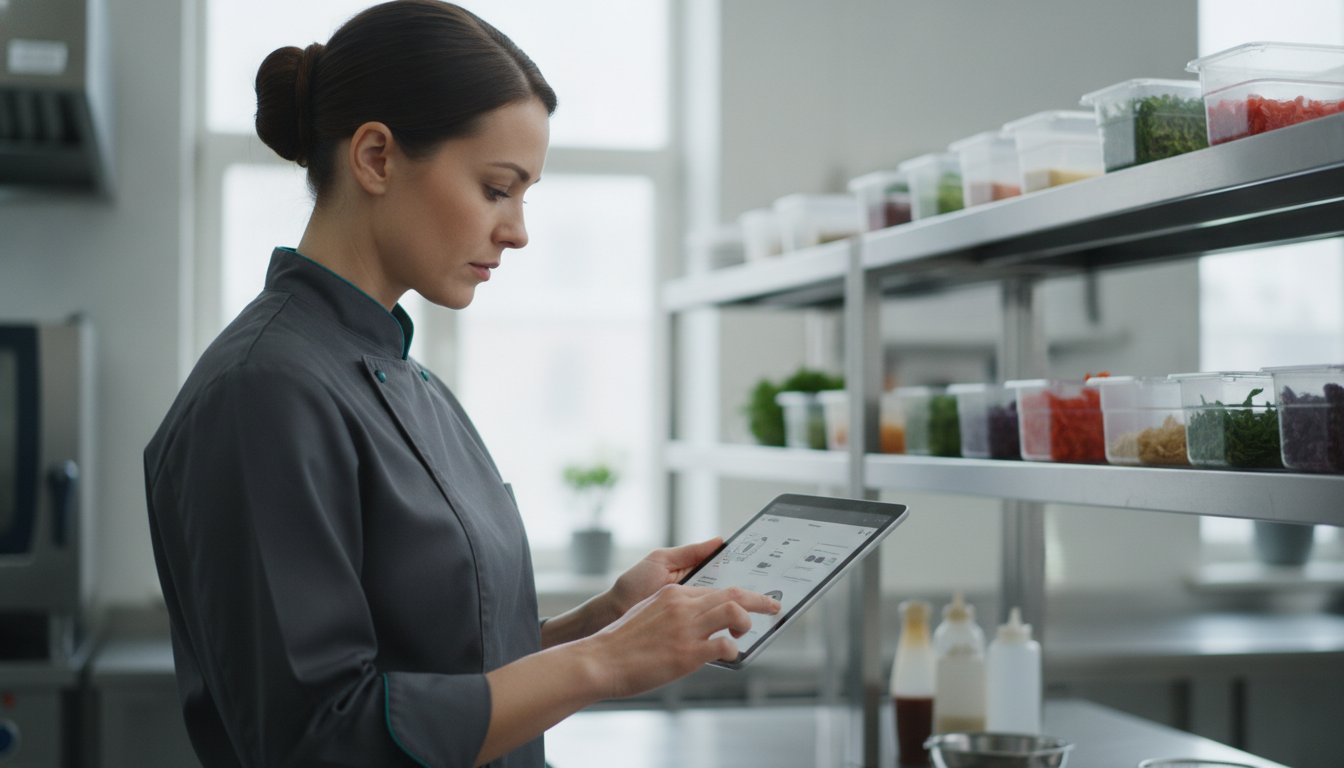
Manual refrigerator checks every four hours are a significant drain on labor and are frequently subject to inaccuracies. By deploying wireless IoT sensors, you can eliminate this manual requirement entirely. These sensors provide 24/7 monitoring, capturing equipment failures or power outages that might occur overnight while the kitchen is empty. This constant stream of data ensures that digital food safety checklists are automatically populated, leaving your staff free to focus on food preparation. Catching a temperature fluctuation before it results in food waste is one of the most effective ways to protect your bottom line.
Streamlining Allergen Management
Guest safety is paramount, and allergen management is often where kitchens face the highest liability. Digital allergen tools allow you to centralize ingredient data, ensuring that any change in a recipe is reflected across the entire platform immediately. This transparency builds guest trust and provides your floor staff with instant, accurate allergen charts. During an unannounced inspection, having a verifiable, digital trail of allergen tracking significantly reduces regulatory risk. If you're ready to transition to a more precise system, you can explore our full suite of digital management tools to see which fits your operation best.
Implementing these automated layers transforms your kitchen from a reactive environment into a proactive one. When you understand how to improve SafeBite through these specific technical integrations, you stop chasing compliance and start leading a highly efficient, modern kitchen. This steady approach to technology ensures that your staff feels supported rather than monitored, creating a culture of excellence that persists even during the most demanding shifts.
Overcoming Staff Resistance: Improving Engagement with Digital Tools
Even the most sophisticated digital systems fail if the team feels burdened by them. In a high-pressure kitchen, staff often view new technology as a distraction or a form of micro-management. To understand how to improve SafeBite adoption, you must reframe the platform as a tool that protects the culinary team. When a chef realizes that a digital log is their personal proof of professional diligence during an inspection, the software becomes an ally rather than a chore. It's about shifting the culture from one of "being watched" to one of "being supported."
Gamifying compliance is an effective way to maintain high engagement levels. By using the management dashboard to recognize teams with the highest completion rates, you transform a mundane task into a point of pride. It's also vital to combat "app fatigue" by ensuring that checklists are strictly relevant to the specific station. If a prep cook is forced to scroll through storage logs to find their tasks, they'll likely stop using the device. Keeping lists concise and station-specific addresses the most common objection: "I don't have time to use a tablet while cooking."
Training for Confidence, Not Just Compliance
Effective training focuses on the "why" behind the digital shift. Instead of just showing staff which buttons to press, show them how their individual logs contribute to the overall safety of the establishment. Research from Warwick Business School indicates that to overcome employees' resistance to new systems, leaders must demonstrate how the tool simplifies their daily lives. Invite your team to provide feedback on the daily usability of the app. If they find a particular checklist too cumbersome, adjust it to better fit the rhythm of the service.
Simplifying the User Experience
A friction-free experience is essential for long-term success. Use photos and visual prompts within the app to bridge language gaps and ensure clarity across a diverse workforce. Implementing "One-Tap" logging for high-frequency, low-risk tasks ensures that safety checks don't disrupt the flow of the line. Finally, standardize tablet placement. When a device is always in the same ergonomic location, logging a temperature becomes a natural part of the chef's movement. By focusing on these small operational tweaks, you discover how to improve SafeBite usage without adding stress to your team's workload.
Advanced Reporting: Using SafeBite to Stay Permanently Audit-Ready
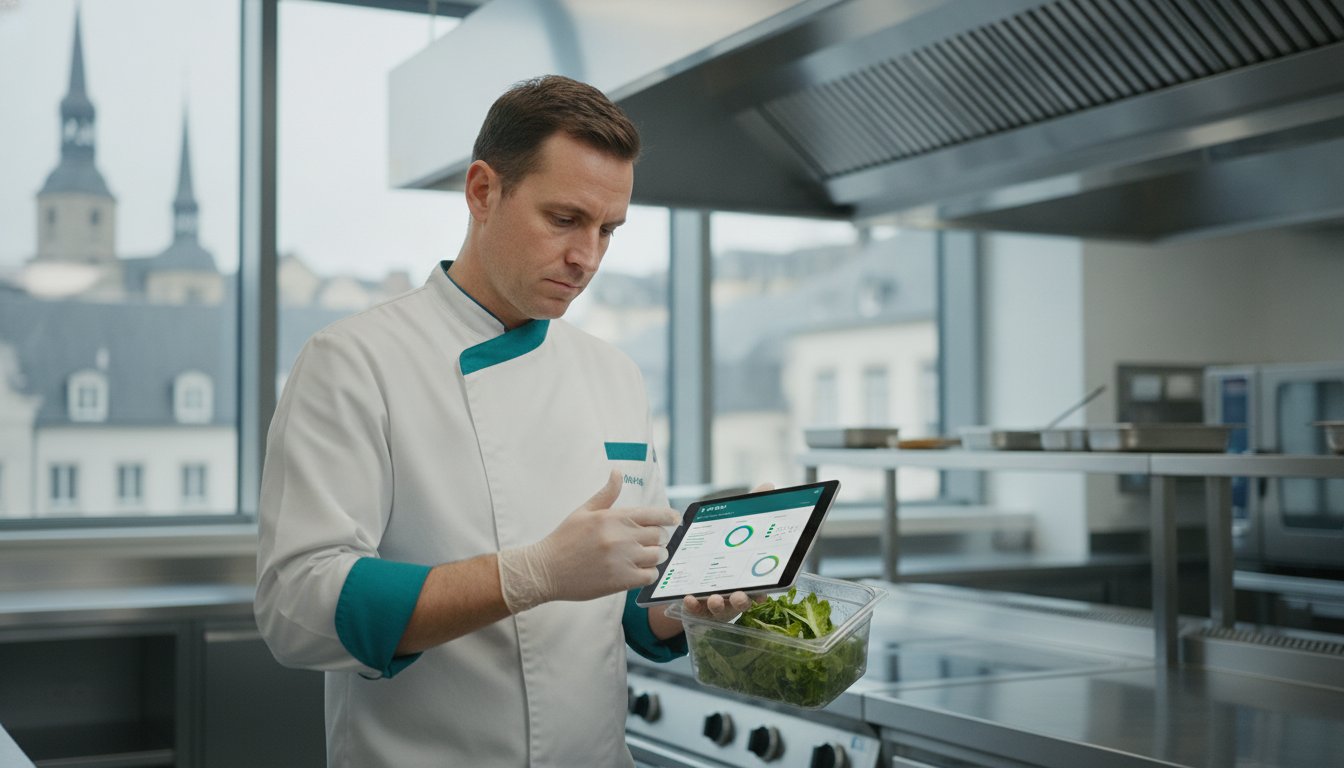
Compliance shouldn't be a source of anxiety. When an inspector walks through your doors, the ability to demonstrate a consistent culture of safety is your strongest defense. SafeBite's reporting engine is designed to transform daily logs into comprehensive compliance narratives. By understanding how to improve SafeBite data exports, you can generate inspection-ready PDF reports in under 60 seconds. This speed doesn't just impress auditors; it proves that your operation is organized, transparent, and under total control.
A central digital vault houses all your essential documentation, from cleaning logs to equipment certificates. This consolidation eliminates the frantic search for lost folders or missing signatures during a high-stakes inspection. Beyond mere compliance, these reports allow you to identify trends in temperature fluctuations. Catching these patterns early helps you prevent food waste and ensures that your inventory remains at peak quality. Using historical data as a strategic asset allows you to prove your long-term commitment to safety standards to any regulatory body.
Preparing for the Unannounced Visit
Auditors value transparency and accuracy above all else. You can create a dedicated Auditor View that shares only the necessary compliance data, keeping sensitive operational details private while satisfying regulatory requirements. It's critical that all staff know how to access this digital dashboard on demand. Because every digital entry and signature is timestamped and tamper-proof, you provide an indisputable record of your kitchen's diligence. This level of readiness ensures that an unannounced visit becomes a routine confirmation of your excellence rather than a stressful event.
Data-Driven Operational Improvements
Data is only valuable if it leads to concrete improvement. Reviewing weekly Missed Check reports helps you identify specific staffing bottlenecks or times of day when the team is consistently overwhelmed. You can also analyze temperature trends to predict when a cooling unit might be nearing failure, allowing for preventative maintenance before a costly breakdown occurs. These compliance scores serve as a vital KPI for kitchen manager performance, ensuring high standards are maintained across the board. By mastering these reporting features, you learn how to improve SafeBite's role from a simple checklist into a high-level management tool. Get started with advanced compliance reporting today.
The Scalable Kitchen: Improving Multi-Site Consistency with SafeBite
Scaling a culinary business is a double-edged sword. While growth represents success, it also introduces operational variance that can jeopardize your brand's reputation. Maintaining consistency across multiple locations is the primary challenge for expanding enterprises. To address this, you must understand how to improve SafeBite deployment at scale. By leveraging a centralized Multi-site Management Dashboard, you can standardize HACCP protocols across every location with a single click. This ensures that whether a guest dines in Luxembourg City or a secondary location, the safety standards remain identical.
Centralizing administrative tasks reduces the burden on local managers, allowing them to focus on staff leadership rather than paperwork. When a new allergen is identified or a cleaning protocol is updated, these changes are pushed instantly to every digital station in the network. This eliminates the lag time associated with manual updates and ensures that every site is operating on the most current information. This steady, synchronized approach is vital for maintaining a friction-free operation during rapid expansion.
Centralized Oversight for General Managers
A centralized dashboard provides a bird's-eye view of your entire operation. You can monitor national performance in real-time, identifying high-performing locations that can serve as models for the rest of the group. If a critical safety breach occurs at a specific site, global alerts notify the executive team immediately. This proactive oversight allows for swift intervention before a local issue becomes a brand-wide crisis. Comparing compliance scores between sites helps you identify outliers and allocate training resources where they are needed most. It's a disciplined way to maintain control without micro-managing every individual kitchen.
Driving Uniformity in Standards
Inconsistent systems lead to inconsistent results. It's common for individual sites to develop "rogue" paper systems or localized habits that deviate from corporate policy. SafeBite eliminates this variance by using standardized digital templates. Every kitchen follows the same rules, uses the same Digital HACCP Checklists, and adheres to the same reporting structures. This uniformity facilitates internal cross-site audits, as regional managers can use the reporting tool to verify standards without needing to be physically present at every location. By mastering how to improve SafeBite for multi-site operations, you build a scalable foundation that supports growth without compromising on safety. Precision becomes a brand-wide standard rather than a local exception.
Future-Proofing Your Kitchen Operations
Transitioning to a digital food safety system is more than a technical upgrade; it's a strategic shift toward long-term resilience. By automating temperature logs and centralizing allergen management, you remove the friction that often leads to human error. Mastering how to improve SafeBite utility ensures that your team remains focused on culinary excellence while the platform handles the complexities of regulatory oversight. You now have the roadmap to create a unified standard that stands up to the most rigorous inspections.
SafeBite is trusted by leading hospitality brands across Luxembourg to deliver 100% digital compliance. With real-time monitoring and automated alerts, you can manage your operations with total confidence and proactive vigilance. Ready to optimize your kitchen? Book a SafeBite demo today and take the first step toward a more efficient, audit-ready future. Your kitchen deserves a system that's as disciplined and professional as your team.
Frequently Asked Questions
How does SafeBite help me pass a Luxembourg hygiene inspection?
SafeBite ensures all your digital HACCP checklists are timestamped, tamper-proof, and instantly accessible for ALVA inspectors. It provides a structured record of compliance that demonstrates proactive vigilance and total operational control. This transparency helps satisfy the requirements of the new Luxembourg food safety law published in April 2026. By centralizing all cleaning logs and certificates in a digital vault, you eliminate the risk of missing documentation during an unannounced visit.
Can I customize the checklists for my specific menu and kitchen equipment?
Yes, the platform is fully customizable to mirror your specific kitchen layout and menu requirements. You can create station-specific tasks for prep, line cooking, or specialized equipment like sous-vide circulators. This flexibility is a core part of how to improve SafeBite integration within your unique operational workflow. Customization ensures that your team only sees the tasks relevant to their station, which significantly reduces app fatigue and improves daily engagement.
What happens to my data if the kitchen Wi-Fi goes down?
Your data is saved locally on the device and syncs automatically once the connection is restored. This offline capability ensures that your staff never misses a critical check due to technical connectivity issues. It maintains the continuity of your records without requiring manual intervention from the team. You can continue logging temperatures and completing checklists with the confidence that your compliance history remains intact and secure regardless of your internet status.
How long does it take to train a new chef to use the SafeBite app?
Most chefs can become proficient with the app in under 15 minutes due to its intuitive, digital-first design. The use of visual prompts and photos within the interface bridges language gaps and simplifies the onboarding process for a diverse workforce. This rapid training reduces the administrative burden on managers during periods of staff turnover. It allows new hires to contribute to the kitchen's safety culture from their very first shift.
Does SafeBite integrate with wireless temperature sensors for walk-in fridges?
SafeBite features a Temperature Monitoring System that integrates seamlessly with wireless IoT sensors for 24/7 oversight. These sensors automatically populate your digital logs, removing the need for manual refrigerator checks every four hours. This automation provides a fail-safe against equipment failure outside of business hours. If a unit exceeds a safe threshold, the system sends an immediate alert to the on-duty manager to prevent food waste and maintain safety.
Is digital HACCP record-keeping legally accepted in Luxembourg?
Digital record-keeping is fully recognized and accepted by the Luxembourg Veterinary and Food Administration (ALVA). The new legislation enacted in April 2026 supports the use of digital tools to manage foodstuffs and safety controls effectively. SafeBite provides the level of accuracy and readiness required to meet these evolving legal standards. Transitioning to a digital system ensures your business remains compliant with the most modern regulatory expectations in the Grand Duchy.
How much time can my team save daily by switching from paper to SafeBite?
Kitchen teams typically save between 30 and 60 minutes per shift by eliminating manual paper logs and temperature checks. These time savings allow your staff to focus more on food quality and guest service rather than administrative tasks. Implementing these efficiencies is an excellent example of how to improve SafeBite ROI through reduced labor costs. When you automate repetitive tasks, you create a more professional and streamlined environment that supports high-volume service.
Can I manage multiple restaurant locations from one SafeBite account?
Yes, the Multi-site Management Dashboard allows you to oversee all locations from a single, centralized account. You can push brand-wide updates, compare compliance scores between sites, and monitor national performance in real-time. This centralized oversight ensures total consistency across your entire network as your business scales. It empowers general managers to identify high-performing locations and model best practices across the group while reducing the administrative load on local site managers.